


Custom flyer printing
Flyers in a range of formats and paper stocks to promote your products, offers and events. Choose the quantity, printing and finishing options, then check pricing and production options in the online calculator.
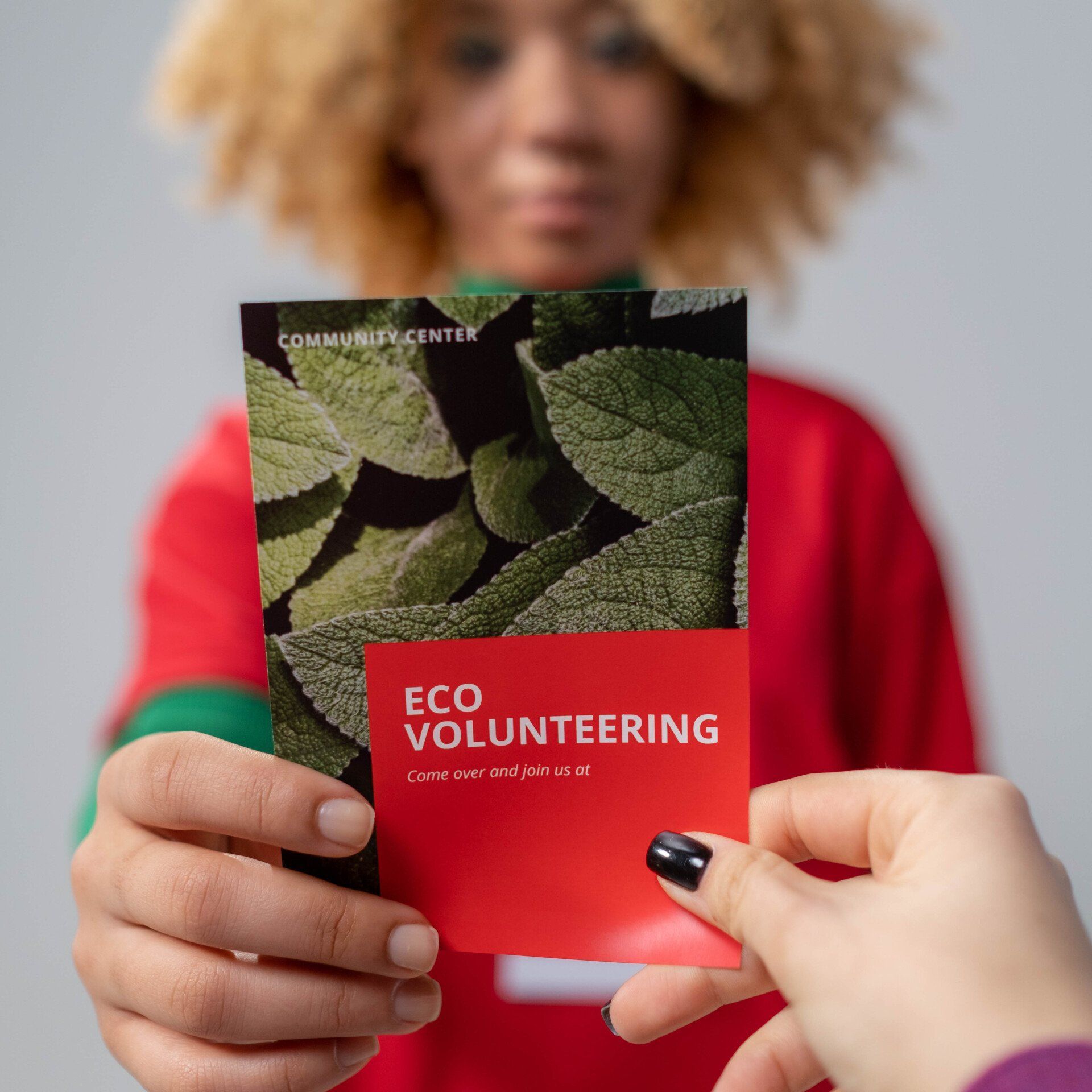
A flyer should quickly show readers what you offer and what they can do next. Order flyers from DTS for events, promotions, service presentations or customer updates. Use the calculator to choose the format, stock, total quantity and number of designs, and compare prices for different options. Available formats include A4, A5, A6 and A7, long and square options, and larger sizes. Choose colour or black-and-white printing, single- or double-sided. Depending on your configuration, you can add lamination and variable data. Once you have selected a production time, add your quantity to the cart, where you can order other printed materials at the same time.
Flyer printing: configure and order
Once you’ve configured your product in the calculator, add it to your cart. The full quantity will be added as one set. Delivery and VAT are calculated at checkout. We review every order before production and will contact you if anything needs clarification.
Choose a format that suits how you’ll distribute it
For a handout intended for personal distribution, consider a size recipients can easily take with them. A price list or a longer presentation needs more space, so compare A4, A5 and other available options. Long and square formats offer different ways to balance images and text. Choose the final size before creating your artwork; scaling down a large flyer can make the text too small. Make sure your main message is clear at a glance, and that contact details or a link to your offer are large enough to read comfortably.
Single- or double-sided flyers
Single-sided printing works well for a short message or when the flyer will be placed somewhere only the front is visible. Double-sided printing gives you more room for additional offers, an event programme or extra photos. The calculator also lets you choose colour or black-and-white printing and from a range of paper stocks. If the flyer will be used for a long time, check whether lamination is available for your chosen stock. If your content needs several distinct sections, consider a folded leaflet instead. Decide before designing whether you want a flat sheet or a piece that folds open.
Compare prices and prepare multiple designs
To compare prices, change one option at a time: first the quantity, then the paper or printing method. This will show you what affects the price of your chosen option. Don’t confuse the total quantity with the number of different designs. If you’re preparing several promotions, label each design and specify how the quantity is divided. For a completely different configuration, create a separate item in the cart. Select variable data if the information will vary between copies. After adding your order, check the order summary; calculator prices exclude VAT, while delivery and taxes are calculated at checkout.
Frequently Asked Questions
What flyer sizes can I choose?
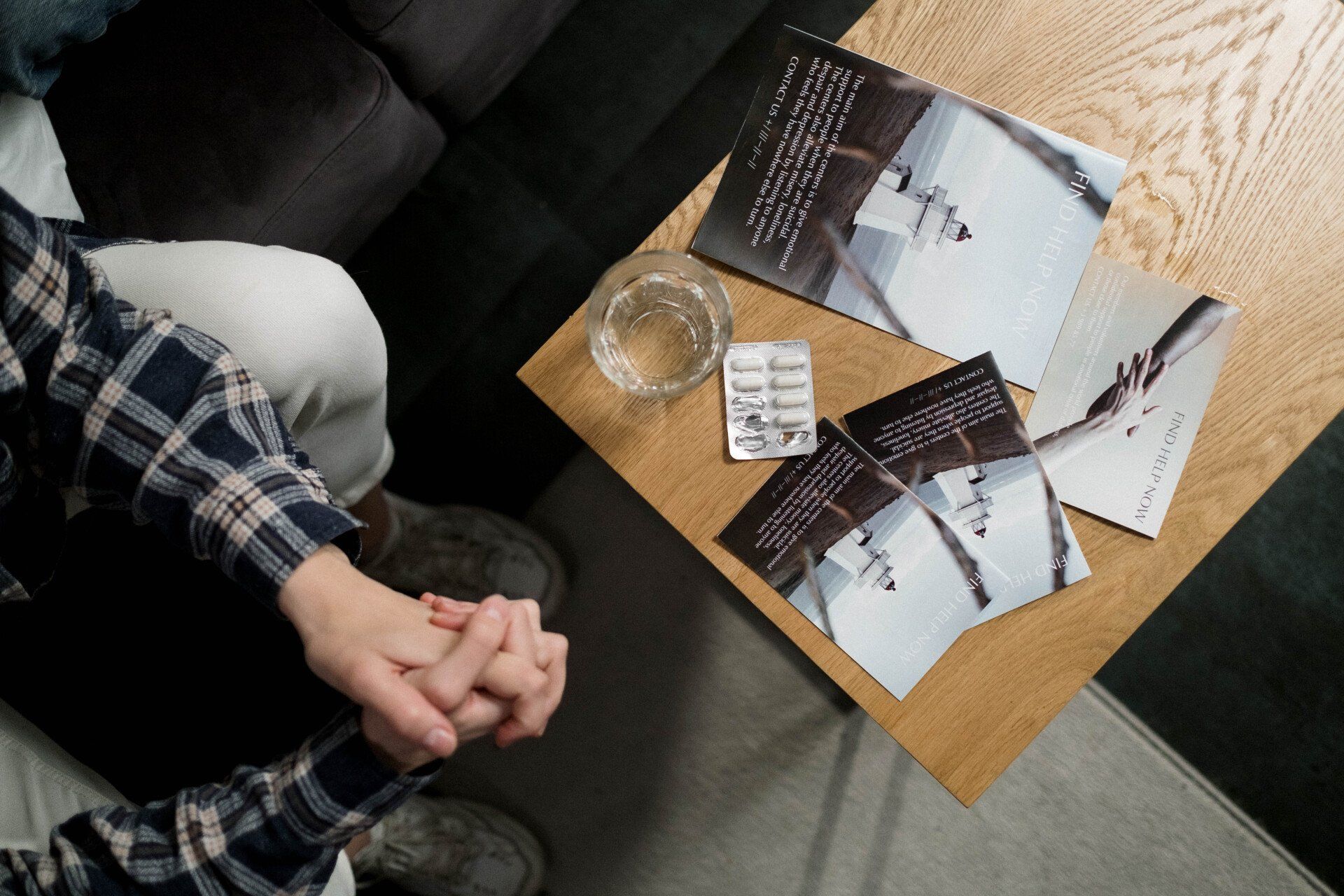
The calculator includes A3, A4, A5, A6 and A7, SRA3, XL, as well as several long and square formats. You can see the full current range when selecting a product. Use artwork sized to the exact format you select and check the dimensions shown, especially for formats that are not standard A sizes.
Can the front and back of a flyer have different designs?
Yes. With double-sided printing, you can put the main message on one side and additional information or different artwork on the other. Choose colour or black-and-white printing as appropriate, and prepare both sides in the correct orientation. The back should complement the front without making the flyer harder to read.
When should I choose a flyer over a folded leaflet?
A flyer is a practical choice for content you want to present on a single flat sheet. A folded leaflet is useful when you want to divide information into sections and guide readers through it as they unfold it. Decide which format you need before creating your artwork, as the folds affect the layout and reading order.
Why isn't lamination always available?
Finishing options depend on the stock you select. Lamination will appear in the calculator when it’s available for your configuration. First choose the paper and weight, then check the finishing options offered. If your preferred option disappears after changing the stock, review the updated specifications before ordering.
Do I need to upload a file before ordering flyers?
No, uploading files is not required to place an order. If you have already sent your artwork by email or WeTransfer, there is no need to upload it again. If you have multiple designs, clearly label which file goes with each option and quantity so we can match your order with the correct artwork.
Related print products
Complete your presentation with flyers and business cards. For more extensive content, choose catalogs or magazines and maintain a consistent look across all your printed materials.
Folded leaflets and brochures
A4 and A5 letterheads featuring your branding. Choose the paper, printing, hole punching and quantity, then order business letterheads with instant online pricing from DTS.
Posters for promoting events
Order printed envelopes for business correspondence, invitations and greeting cards. Choose the style, format, printing and personalisation, then check the price with DTS.
Ticket printing
Flyer printing with your choice of format, paper, quantity and designs. Compare single-sided and double-sided printing, calculate the price as you go, and order from DTS.