


Custom photo murals featuring your design
Photo murals featuring your photo, illustration or artwork for homes and business premises. Choose a material, enter your wall dimensions, and check the price and production options in the online calculator.
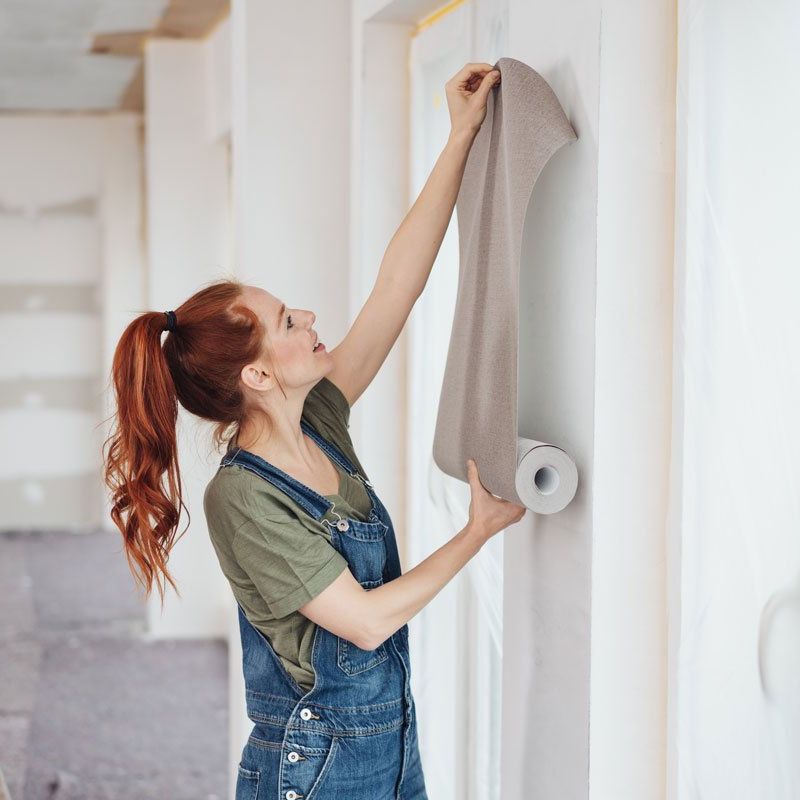
Turn your wall into a focal point with your own photo, illustration or company artwork. Order DTS photo murals to fit the full surface, choosing a material to suit the wall and the look you want. In the configurator, enter the width and height in centimetres, the number of identical prints, and the width of each wallpaper panel. Choose from self-adhesive materials with different adhesive and surface properties. Before ordering, check the condition of the wall and whether your design is suitable for enlargement. The current configuration price is shown excluding VAT; check the cart for delivery costs and the final total. If you’re preparing artwork for several walls, measure each surface separately and clearly label the corresponding files.
Configure and order printed photo murals
Once you’ve configured your product in the calculator, add it to your basket. The order quantity is added as one set. Delivery and VAT are calculated at checkout. We review every order before production and will contact you if anything is unclear.
Measure the full surface, then choose the panels
Enter the wall width and height in centimetres. When measuring, allow for edges, doors, windows and any uneven areas; it’s helpful to include a photo of the room with your enquiry. In the configurator, choose a wallpaper panel width from 50 to 100 cm in 5 cm increments. A 1 cm overlap is included. Plan the design layout so that important faces, logos or text don’t fall awkwardly across a panel join. If the design continues around a corner, please confirm how it will line up across both walls before production.
Choose a material to suit the wall and the room
Choose from self-adhesive materials with different adhesive types, including options with air-release channels, stronger adhesion or removable adhesive. Suitability depends on the paint, texture and condition of the surface. A removable adhesive does not guarantee removal without affecting every type of wall paint. For freshly painted, rough or otherwise unusual walls, check the selected material’s guidelines and test its adhesion before ordering. Don’t choose based on the sample photo alone; the surface and intended use matter too.
Preparing your photo for a photo mural
Use the original file to retain as much detail as possible. We assess whether a photo is suitable based on the finished wall size and viewing distance, so a small preview on your phone won’t show how it will look enlarged. Keep important parts of the design away from edges where adjustments may be needed during installation. If ordering several different designs, name them separately and specify their dimensions. You don’t need to upload files again for the order if you’ve already sent them to us by email or WeTransfer. Please check with us before printing if you have any questions about the design layout or joins between panels.
Frequently Asked Questions
Can I order a photo mural using my own photo?
Yes, you can order using your own photo or artwork. Send us the original file and provide the wall dimensions. The photo needs to be assessed at the final print size; a small image from the web may not be suitable for a large enlargement.
What dimensions should I enter in the configurator?
Enter the width and height of the entire surface in centimetres. Choose the width of each panel separately. If the design needs to span multiple walls or account for openings, send us a sketch or photo along with the measurements.Simply select the dimensions of the area where your custom wallpaper will be applied, and the system will make it easy to break down your final order.
How wide are the individual photo mural panels?
In the configurator, set the panel width from 50 to 100 cm in 5 cm increments. A 1 cm overlap is included where panels join. Allow for the joins when positioning the design, and check the order of the panels before installation.
Is a photo mural suitable for every wall?
Choose the material to suit the surface. Dusty, damp, poorly bonded, heavily textured or freshly painted surfaces need special consideration. Before placing a larger order, it’s a good idea to check the material guidelines and test adhesion on the actual wall.
Does the order include photo mural installation?
The configurator on this page is for printed photo murals, dimensions and materials. On-site installation is not listed as an included option. If you need installation, send us the location, a photo of the surface and its dimensions so we can discuss the job separately.
Related Print Products
For a coordinated look, complement your photo mural with canvas prints or prints on Stadur boards, and add window graphics to glass surfaces.
Canvas printing
Order a photo or graphic printed on canvas. Choose a custom size, canvas material and a 20, 37 or 50 mm stretcher frame, then calculate the print price with DTS.
Window graphics
Order perforated one-way vision window graphics. Choose the dimensions and material, add lamination if required, and calculate your print price with DTS.
Prints on Stadur boards
Custom Stadur printing in 10 mm and 19 mm thicknesses. Choose a wrapped image or white or black edge tape, lamination and quantity, then calculate the price.