


Custom invitation and greeting card printing
Choose your format, paper and printing options, with matching envelopes available. Check the production options in the calculator and delivery details at checkout.
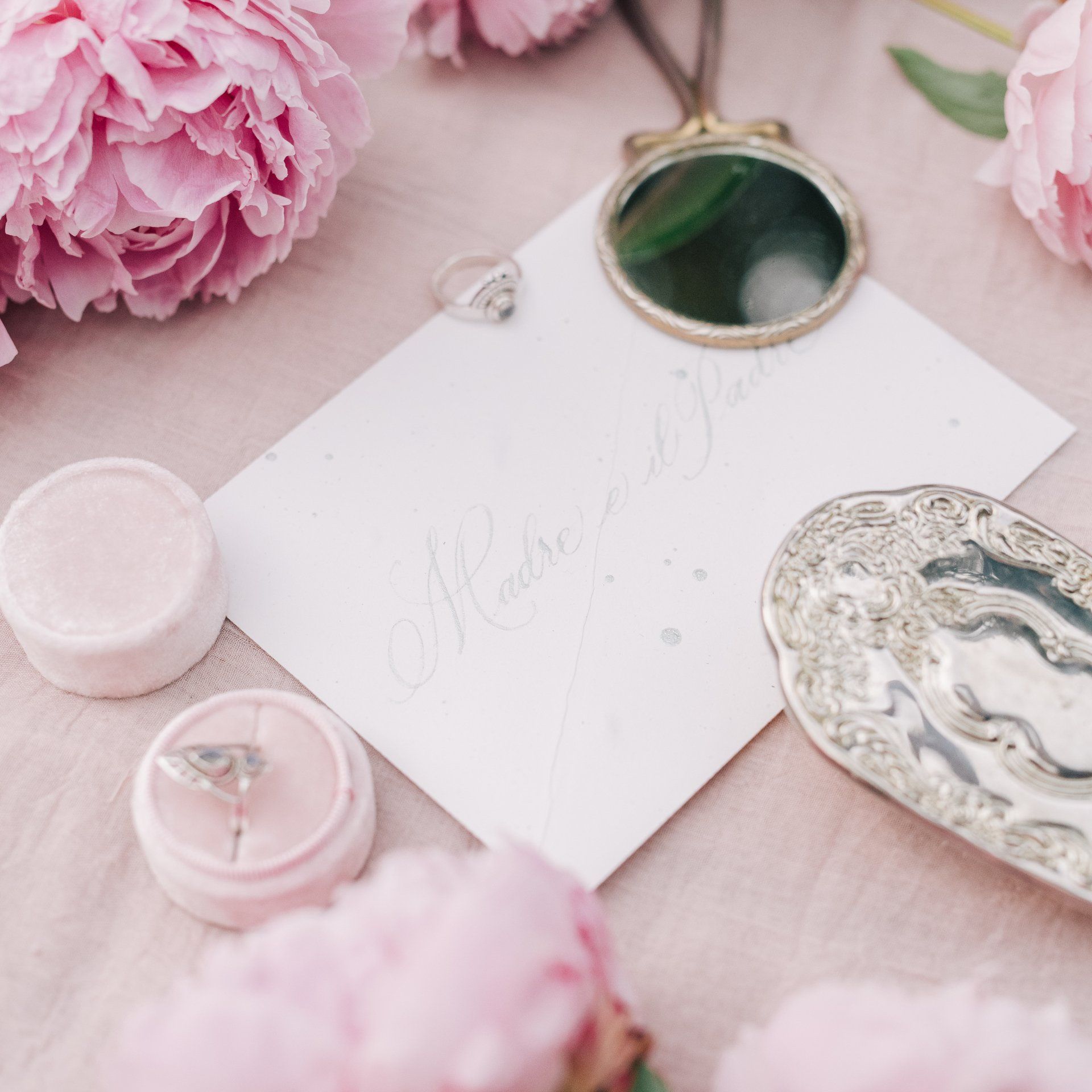
Create invitations and greeting cards for business events, celebrations and personal occasions. Choose a flat or folded format, select the paper and printing, and add matching envelopes if needed. Compare the available styles and production options, then check the price for your quantity in the DTS calculator.
Invitation and Greeting Card Configurator and Ordering
Once you’ve configured your product in the calculator, add it to your basket. The order quantity is added as one set. Delivery and VAT are calculated at checkout. We review every order before production and will contact you if anything is unclear.
Flat or folded invitations and greeting cards
For a short invitation, choose a flat format; for longer text or a separate cover, choose a folded format. The calculator offers several layouts, including elongated and square formats. Decide what needs to be seen at a glance and what the recipient will read after opening it. For invitations, focus on the event name, date, time, location and RSVP details. For greeting cards, you can give more space to a photo or personal message. Choose the format before finalising the artwork layout, so important information doesn't end up on a fold or the wrong panel.
Paper styles and matching envelopes
Choose the style before settling on the final format, as the options may vary between categories. Standard and special options offer different combinations of appearance, material and paper weight. The calculator shows the available options for your chosen product. If you plan to mail your invitation or greeting card, you can add a matching envelope, then choose its printing and, if needed, variable data. Envelopes are optional. When adding or removing one, check the updated specification; when creating your own combination, don't rely just on similar format names—check that the finished items fit together.
Artwork, designs and personalisation
Multiple designs are useful when preparing different versions of the same product. Variable data is for content that changes from one print to another, such as names or salutations. Before ordering, specify which item and which side the data should appear on. Keep invitation artwork separate from envelope artwork, and clearly label the files and quantity split. You can complete your purchase without uploading files if you have already sent them by email or WeTransfer. Prices calculated by the calculator exclude VAT; delivery and taxes are added at checkout.
Frequently Asked Questions
Can I order invitations and greeting cards with my own artwork?
Yes, customise your chosen option with your own artwork. Before ordering, choose the format, style, material and print method. For folded options, check the cover and inside layout; if your artwork includes an event date or location, double-check these details.
Do I have to order envelopes?
No. In the calculator, you can add a matching envelope or order invitations or greeting cards without one. If you add an envelope, check its specifications and available printing options too. This lets you choose what works best, whether you'll be mailing the item or handing it over in person.
Can I order printed and personalised envelopes?
If you add an envelope, the calculator lets you choose its printing and, when available, variable data. For this type of order, prepare separate envelope artwork and clearly specify any details that change. Check the envelope options separately; your invitation selections won't automatically apply to it.
Are all formats available in every style?
Not necessarily. When you change the style, the calculator displays the products available in that category. So choose the style first, then the format and material. Before adding the item to your cart, check the summary again, especially if you have compared several options.
How do I order multiple designs or personalised salutations?
Set the number of designs and variable data options to suit your content. For multiple design versions, specify how the print run should be split; for personalised salutations, provide a clear data list and indicate where each detail should appear. Name your files clearly so it's obvious whether they're for invitations, greeting cards or envelopes.
Design your own invitation or greeting card
Create your own print with guided assistance and place your order.
Related Print Products
Complete your invitations and greeting cards with matching envelopes. Choose postcards for personal messages, or tickets in a coordinated design for your event.
Envelopes Ordered Separately
Order printed envelopes for business mail, invitations, and greeting cards. Choose the style, size, printing, and personalisation, then check the price with DTS.
Postcards with Your Own Photo
A6, A5 and 1/3 A4 postcards with your own artwork. Choose the material, printing, lamination and designs, then check the price for your print run in the DTS calculator.
Event Ticket Printing
Order printed tickets for concerts, festivals and events. Choose the format, printing, numbering and perforation, then check the print run price with DTS.