


Ticket printing with numbering and perforation
Tickets for concerts, performances and other events, with numbering and perforation options. Choose the size, paper and quantity, then check prices and production options in the online calculator.
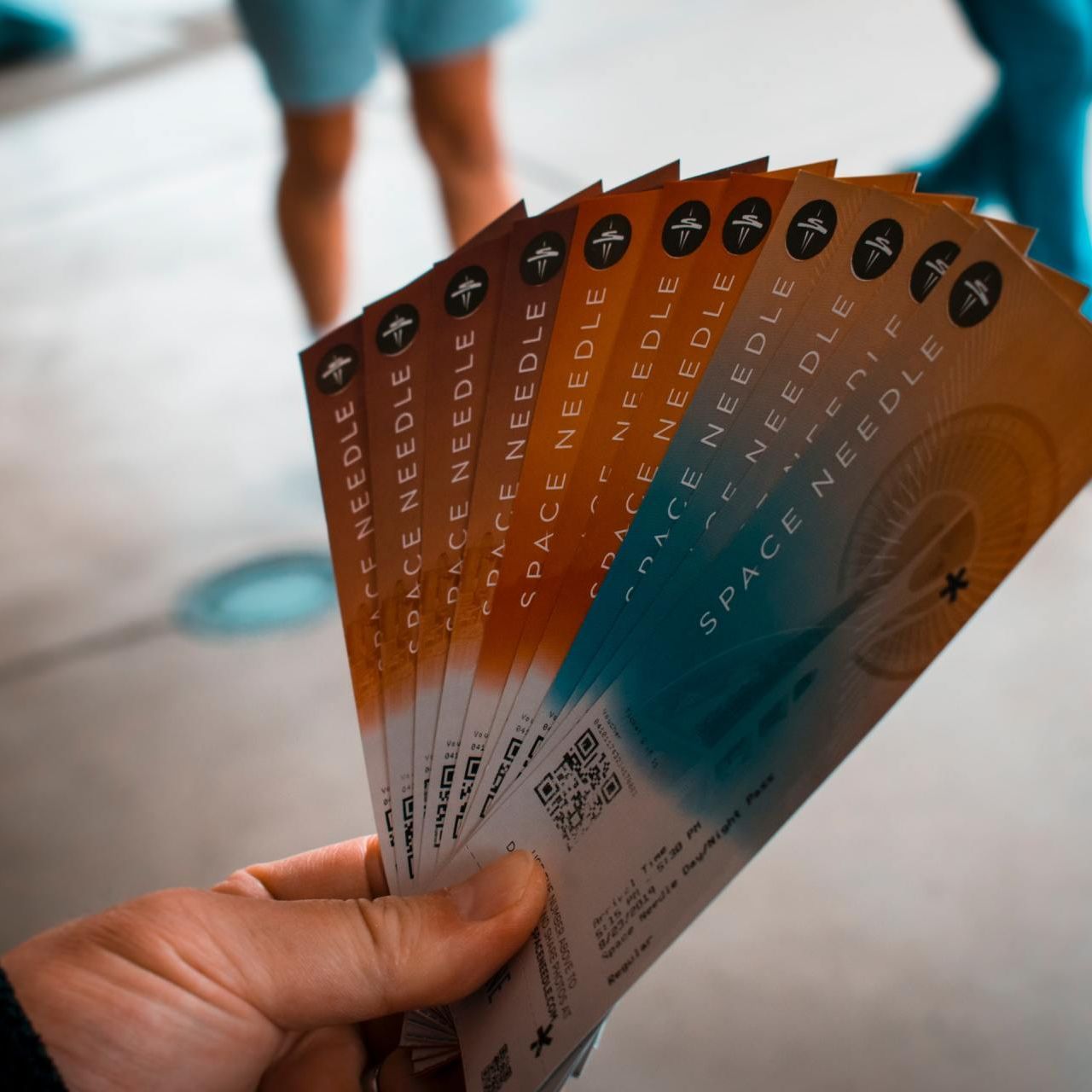
Print tickets for concerts, performances, festivals and other events. Choose the format, paper and quantity, then add numbering through variable data and optional perforation. Tickets can also be collated into pads of 25. Prepare clear instructions for the numbering sequence and check your configuration in the DTS calculator.
Configure and Order Printed Tickets
Once you’ve configured your product in the calculator, add it to your basket. The order quantity is added as one set. Delivery and VAT are calculated at checkout. We review every order before production and will contact you if anything is unclear.
Ticket artwork for attendees and staff
Clearly lay out the event name, date, time, venue and any other information attendees need. Make key details easy for staff to spot at a glance. If you’re preparing several ticket categories, distinguish them with different designs or well-planned variable data. Check which details change between prints and which stay the same. More text doesn’t necessarily make a ticket more useful: fit rules or longer instructions into the available space while keeping the essential information legible at actual ticket size.
Ticket sizes and tear-off stubs
Choose from 74 × 210 mm, 50 × 210 mm and A7 74 × 105 mm formats. Before designing your ticket, decide whether you need a tear-off stub and how many perforations suit your intended use. The calculator offers options with no perforation, one perforation or two. Prepare your artwork to match the position of the finishing; keep important numbers and text clear of the tear line. If the same information needs to appear on both sections, make this clear in your artwork. The format you choose determines the space available on each section.
Numbering and total ticket quantities
The total quantity in the calculator means the number of individual tickets. Collating into pads of 25 is a finishing option, so don’t confuse it with the number of items ordered. For numbering, specify the sequence and whether numbers should be repeated on the tear-off stub; selecting variable data alone won’t define these details. If the event has multiple dates or categories, clearly label the designs and quantity breakdown. Choose a production time that works with your event date, and check the full order specification in your basket. You can send files by email or WeTransfer beforehand; VAT and delivery are calculated at checkout.
Frequently Asked Questions
What ticket sizes do you offer?
The calculator offers 74 × 210 mm, 50 × 210 mm and A7 74 × 105 mm formats. Choose a size based on the amount of information and whether you need perforation. If you need a tear-off stub, make sure there’s enough space on both sides of the tear line.
Can tickets be numbered?
Variable data printing is available for numbering and other changing details. Before preparing your files, specify the sequence, starting number and whether the same number should be repeated on multiple sections of a ticket. Make sure the supplied instructions match the quantity and selected option.
Is perforation required?
No, the calculator also offers tickets without perforation. If you need a tear-off stub, choose one or two perforations and prepare your artwork to suit the finishing. Keep numbers, the date and other key information clear of the tear line.
Does the quantity mean tickets or pads?
The quantity field is for the total number of individual tickets. The current offer lists the finishing option “Collated into pads of 25”. Enter the number of tickets you need, not the number of pads.
How do I prepare tickets for multiple dates or categories?
Decide which versions need their own artwork and how many copies of each you need. Set the designs or relevant variable data in the calculator, and label the files with the event, date or category. Before confirming your order, check the numbering sequence so the instructions are clear for the whole order.
Related Print Products
Complete your event promotion with matching flyers and posters, and invite your guests with invitations in the same design.
Invitation Printing
Invitations and greeting cards printed with your own design, in a choice of sizes and materials. Add matching envelopes if you like, calculate your price and order from DTS.
Event Posters
Calculate the price for custom-size posters or standard A0–A2 and B0–B3 sizes. Choose poster or photo paper, lamination, mounting and quantity, then order from DTS.
Event Promotional Flyers
Flyer printing with a choice of size, paper, quantity and designs. Compare single- and double-sided printing, calculate your price and order from DTS.